SUMMARY
Check your alerts
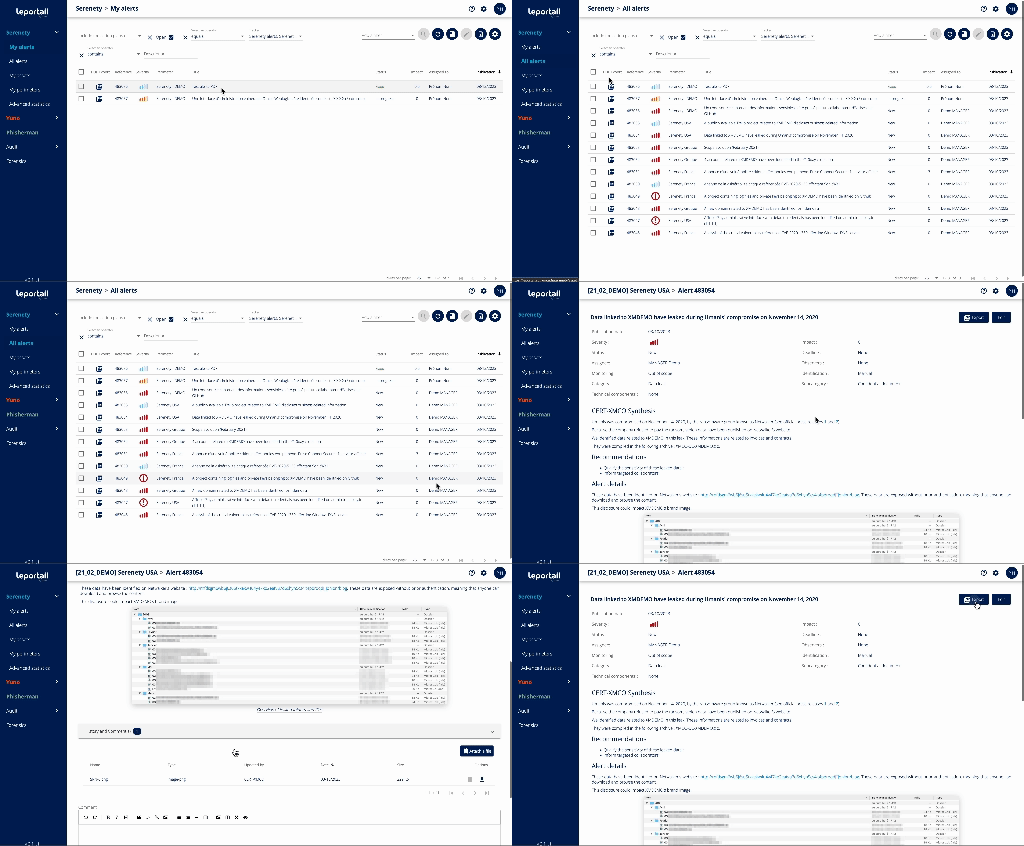
The alerts follow-up page is accessible from the "My alerts" menu of the Serenety module
Step 1 : Access your alerts
This interface takes you to the page below:

Step 2 : Discover the associated features
You'll find :
- The list of alerts to which you have access
- Various functions for :
- export alerts in PDF format (one or several alerts on the same page)
- alert management using filters and sorting parameters for each column